In this article
WordPress powers a very large share of the web, and it is still the fastest way for a business or beginner to get a professional site without writing code. This guide takes you from nothing to a launched website, including the SEO, speed and security steps most tutorials skip.
From my own work: I build WordPress sites for clients and run my own on a managed VPS. The mistakes I fix most often are heavy themes, too many plugins, missing backups and no basic SEO setup, so those get their own steps below.
Step 0: Plan before you build
Write down the site’s goal (leads, sales, information), your main pages (Home, About, Services, Contact, Blog) and one clear action you want visitors to take. This prevents endless redesigns later.
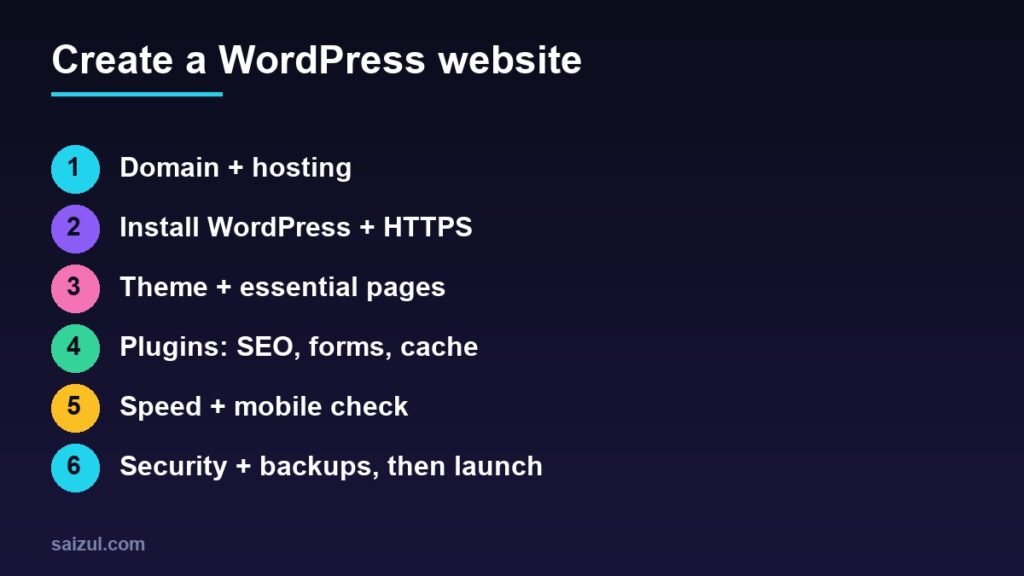
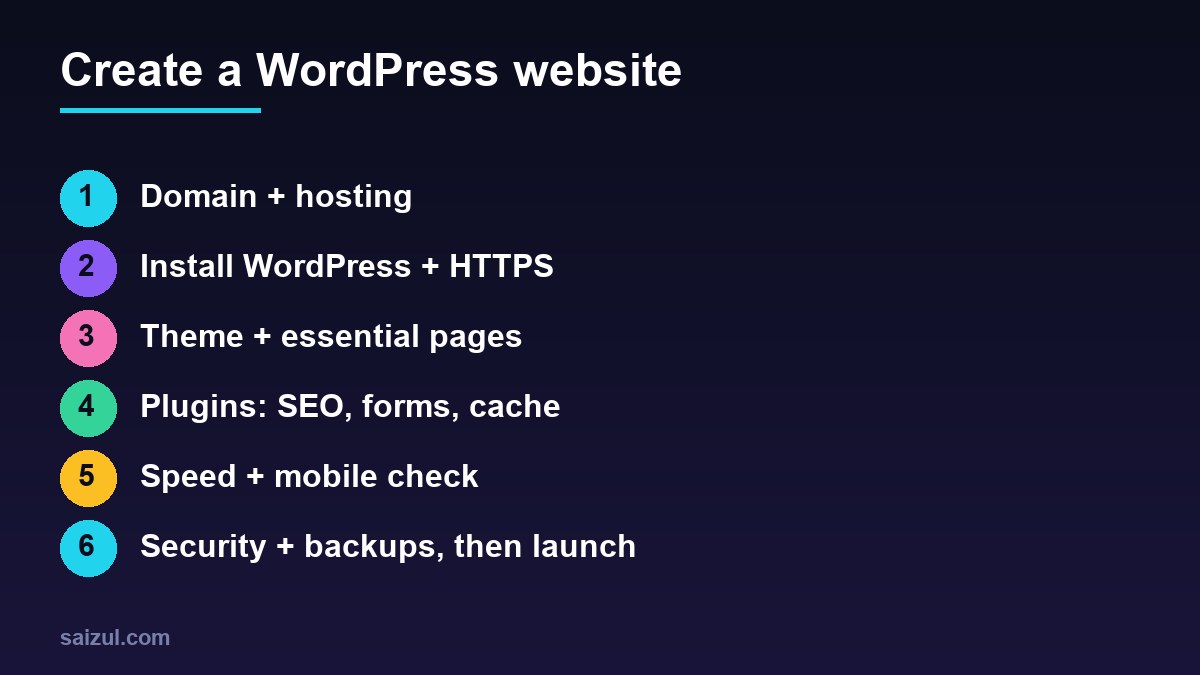
Step 1: Domain and hosting
- Domain: short, easy to spell, preferably .com or a relevant country extension. Avoid hyphens and numbers.
- Hosting: choose a provider with recent PHP, free SSL, daily backups and good support. Shared hosting is fine to start; a VPS suits busier or custom sites.
Step 2: Install WordPress and enable HTTPS
- Use your host’s one-click installer, or download WordPress from WordPress.org.
- Set a strong admin password and a username that is not “admin”.
- Enable the free SSL certificate and force HTTPS.
- In Settings → Permalinks choose “Post name”.
- In Settings → Reading make sure “Discourage search engines” is unchecked when you launch.
Step 3: Theme and core pages
Pick a light, well-maintained theme (the default block themes, Astra, GeneratePress or Hello Elementor are common choices) rather than a heavy multipurpose one. Build the key pages, then set a clear menu and a homepage that states what you do, for whom, and what to do next. Add Privacy Policy and Contact pages, which build trust and are expected for ad programs.
Step 4: Essential plugins only
| Need | Examples |
|---|---|
| SEO | Yoast SEO or Rank Math (one only) |
| Contact form | Contact Form 7 or WPForms |
| Speed / cache | One caching plugin your host recommends |
| Security / backup | A single security plugin plus off-site backups |
More plugins mean more risk and slower pages. Install only what solves a real need, and delete anything unused.
Step 5: Basic SEO from day one
- One clear topic per page with a unique title and meta description.
- Descriptive URLs, headings in order (one H1) and alt text on images.
- Submit your sitemap in Google Search Console and verify the site.
- Create helpful content for questions your customers actually ask. Follow Google’s SEO Starter Guide, and see my SEO roadmap.
Step 6: Speed and mobile
Compress images before uploading, use a caching plugin, avoid heavy sliders and test on a real phone. Aim for good Core Web Vitals. My speed checklist shows what moves the score.
Step 7: Security and backups before launch
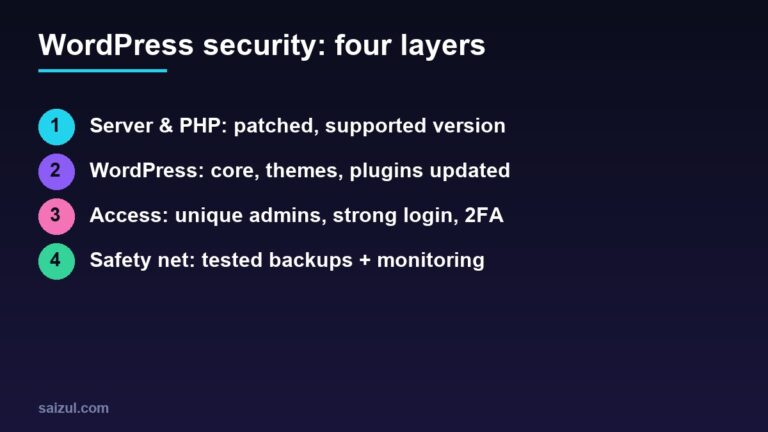
Enable two-factor login, keep everything updated and set up automatic off-site backups. The full list is in my WordPress security checklist.
Launch checklist
- All pages and forms tested on mobile and desktop.
- Search visibility enabled, sitemap submitted.
- Analytics (Google Analytics or Site Kit) connected.
- Backup and restore tested once.
- Favicon, logo and contact details correct.
What does it cost?
Expect a yearly domain fee, hosting fees and optional paid theme or plugin licences. A professional custom build costs more but saves time. Compare quotes on scope, not only price.
Need help with this on your own site or business?
I build and secure WordPress sites, web apps and AI automations end to end, in Bangla and English. The process is a free discovery call, a written scope with a fixed quote, a focused first version, then testing, deployment and monitoring.
See the portfolio and the AI agent services, or tell me what you need.
FAQ
WordPress.com or WordPress.org?
WordPress.org (self-hosted) gives full control over themes, plugins and ownership, and is what most businesses use.
Can I build a site without coding?
Yes. Themes and block or page builders cover most business sites.
How long does it take?
A simple site can be live in a weekend; a business site with good content usually takes one to three weeks.
Sources

Md Saizul Amin
Digital Systems Strategist · AI Agent Developer · 9+ years in digital & ITMd Saizul Amin is a digital systems strategist and AI automation engineer from Dhaka, Bangladesh. With 9+ years across IT, web development and digital marketing, he writes practical guides on technology, business, education and online growth — and builds the same kinds of systems (AI agents, websites, SEO and ad campaigns) for clients in Bangladesh, the UK and the USA.
Specialist in
Credentials & experience
- 🎓B.Sc. in Computer Science & EngineeringBangladesh University of Business & Technology (BUBT), 2017–2021
- 🤖AI Automation Engineer · Web Developer · SEO SpecialistUnique Mark Limited, Birmingham UK — 2024 to present
- 🌱IT SpecialistGreen Fund Initiative Inc., USA — 2024 to present
- 🏥Junior IT Consultant — Ministry of Health (DGHS)Built the first national Shareable Health Record website; supported 6,000+ facilities
- 🧭Head of ITWEDO Bangladesh — led IT for 50+ staff, 2021–2023