In this article
Two people can ask the same AI tool for help and get very different results. The difference is rarely the tool; it is the prompt. This guide gives a simple framework, twelve templates you can copy, and the checks that keep AI answers accurate.
From my own work: I use AI daily to draft, summarise, write code and build automations for clients. The habit that improved my results most was giving the model real context and examples, and treating every answer as a draft I must check, never as the final word.
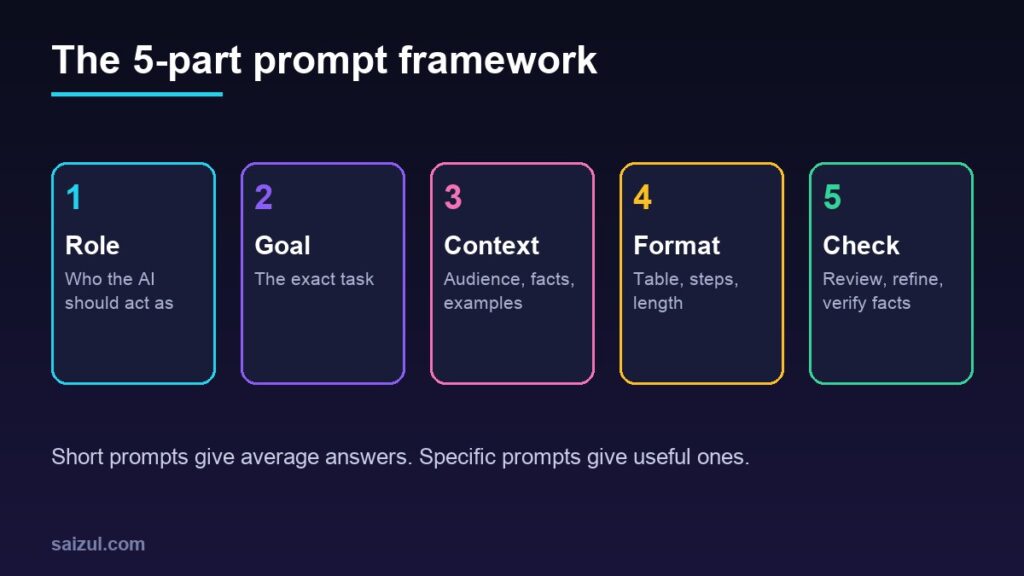
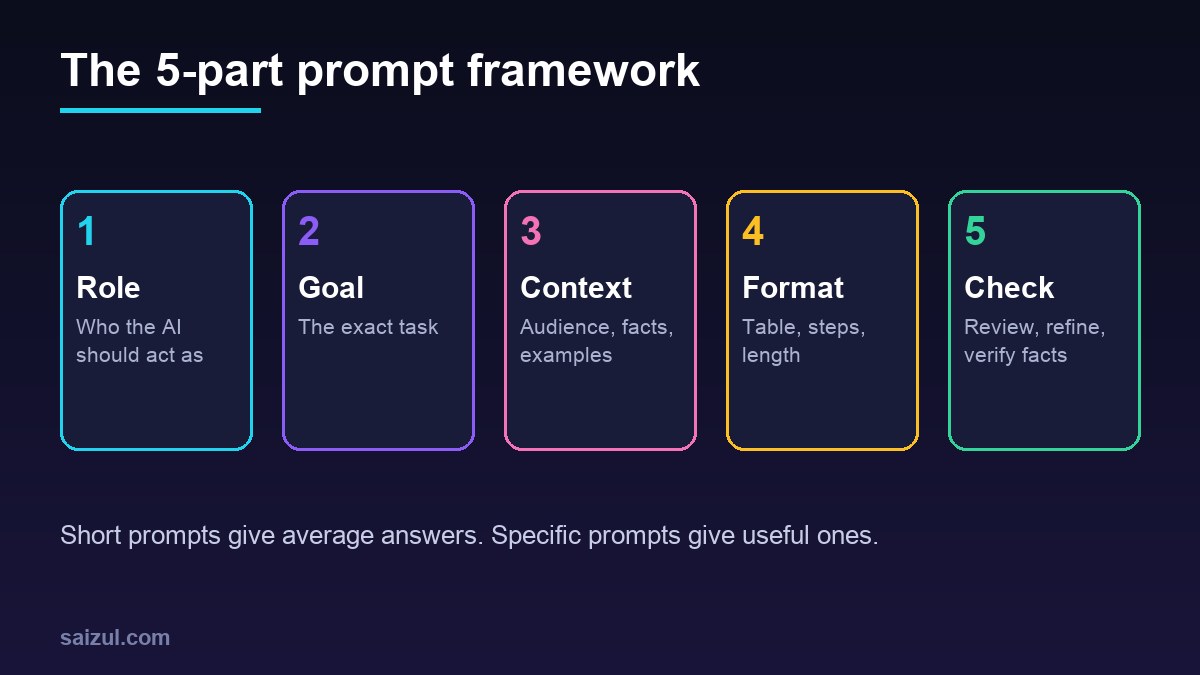
The 5-part prompt framework
- Role: “Act as a senior email marketer.”
- Goal: the exact task and what success looks like.
- Context: audience, tone, facts, constraints, any text to work from.
- Format: table, bullet list, steps, word count, language.
- Check: ask it to list assumptions, then review and refine in follow-ups.
Official guides from Anthropic, OpenAI and Google all stress the same basics: be clear, give context and examples, and iterate.
Before and after
| Weak prompt | Better prompt |
|---|---|
| Write about my business. | Act as a copywriter. Write a 100-word homepage intro for a Dhaka bakery that sells custom cakes. Audience: busy parents. Tone: warm, simple. End with a call to action to order on WhatsApp. |
| Fix my code. | This PHP function should return the total price with 5% tax but returns null. Here is the code and the error message. Explain the cause, then show the fixed function. |
12 templates you can copy
Replace the brackets with your details.
- Summarise: “Summarise the text below in 5 bullet points for a busy manager, then list 3 questions it leaves unanswered. [text]”
- Email reply: “Write a polite reply to this customer email. Keep it under 120 words, confirm [fact], and offer [next step]. [email]”
- Blog outline: “Create an outline for an article on [topic] for [audience], with H2/H3 headings and a question each section answers. Use only claims I can verify.”
- Social posts: “Turn this article into 5 LinkedIn posts, each under 80 words, with a different angle. [article]”
- Product description: “Write a 60-word description for . Features: [list]. Audience: [who]. Avoid exaggerated claims.”
- Customer FAQ: “From this policy text, write 8 FAQs in plain language and mark any that need legal review. [text]”
- Explain simply: “Explain [topic] to a beginner using a real-life example and a 3-step summary.”
- Code review: “Review this code for bugs and security issues. List each issue, why it matters and a fix. [code]”
- Study plan: “Create a 4-week plan to learn [skill] with 30 minutes a day, with weekly goals and a small project.”
- Interview prep: “Act as an interviewer for [role]. Ask me one question at a time and give feedback on each answer.”
- Data to insights: “Here is a table of monthly sales. Identify 3 trends, 2 risks and 2 actions, and state which numbers each point comes from. [data]”
- Compare options: “Compare [A] and [B] for [use case] in a table with price, strengths, weaknesses and who each suits. State if you are unsure.”
Common mistakes
- Being too vague. Add audience, length and purpose.
- Trusting facts blindly. AI can state wrong things confidently; verify numbers, quotes, legal and medical points against reliable sources.
- Pasting private data. Do not share passwords, customer details or confidential documents with tools you do not control.
- Publishing raw output. Google’s guidance on AI content rewards helpful, original, people-first content; add your own experience and check accuracy.
- Stopping after one try. Follow up: “shorter”, “more specific”, “give 3 alternatives”.
From prompts to automation
Once a prompt works reliably, it can run inside a workflow, for example summarising enquiries or drafting replies for approval. See AI automation for small business and building an AI agent with n8n.
Need help with this on your own site or business?
I build and secure WordPress sites, web apps and AI automations end to end, in Bangla and English. The process is a free discovery call, a written scope with a fixed quote, a focused first version, then testing, deployment and monitoring.
See the portfolio and the AI agent services, or tell me what you need.
FAQ
Do longer prompts always work better?
No. Clear and specific beats long. Include what matters: goal, context and format.
Which AI tool is best?
It depends on the task. Try the same prompt in two tools and compare; the framework works across all of them.
Can AI replace my own thinking?
No. Use it to draft and explore, and keep decisions, fact-checking and final wording with you.
Sources

Md Saizul Amin
Digital Systems Strategist · AI Agent Developer · 9+ years in digital & ITMd Saizul Amin is a digital systems strategist and AI automation engineer from Dhaka, Bangladesh. With 9+ years across IT, web development and digital marketing, he writes practical guides on technology, business, education and online growth — and builds the same kinds of systems (AI agents, websites, SEO and ad campaigns) for clients in Bangladesh, the UK and the USA.
Specialist in
Credentials & experience
- 🎓B.Sc. in Computer Science & EngineeringBangladesh University of Business & Technology (BUBT), 2017–2021
- 🤖AI Automation Engineer · Web Developer · SEO SpecialistUnique Mark Limited, Birmingham UK — 2024 to present
- 🌱IT SpecialistGreen Fund Initiative Inc., USA — 2024 to present
- 🏥Junior IT Consultant — Ministry of Health (DGHS)Built the first national Shareable Health Record website; supported 6,000+ facilities
- 🧭Head of ITWEDO Bangladesh — led IT for 50+ staff, 2021–2023