In this article
Most hacked WordPress sites are not targeted personally. Automated bots scan for outdated software, weak passwords and abandoned plugins, and they break in where something is easy. This checklist is the order I follow on my own servers and when I clean up a hacked site.
From my own work: I once cleaned a business site that had been compromised: rogue administrator accounts, a plugin quietly publishing spam posts and changed security keys needed after cleanup. Almost every item below would have prevented it. And on 21 October 2026, when PHP released emergency fixes for two critical vulnerabilities, I patched my own server the same day; one package conflict briefly broke my sites until I fixed it, which is why backups come first.
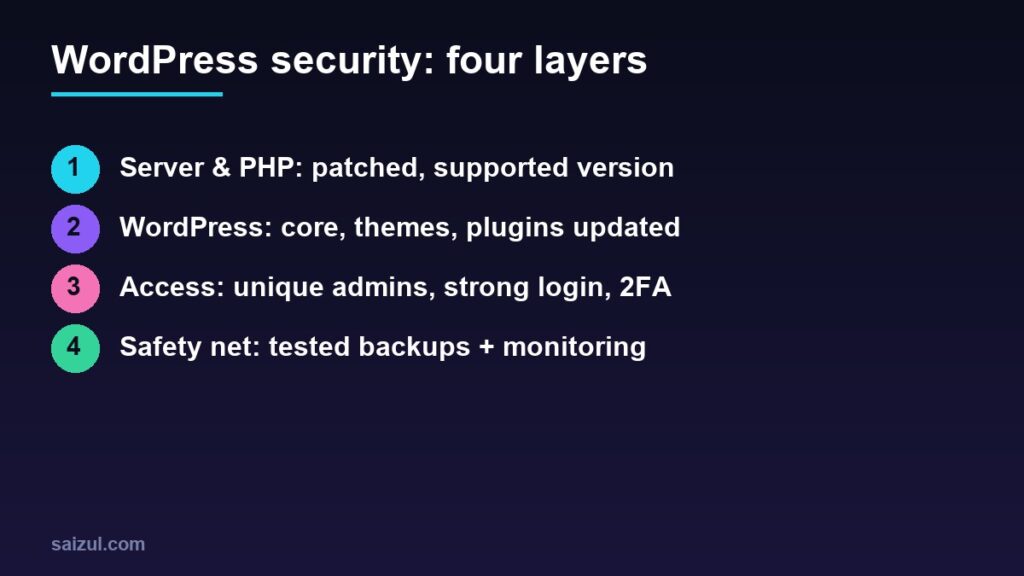
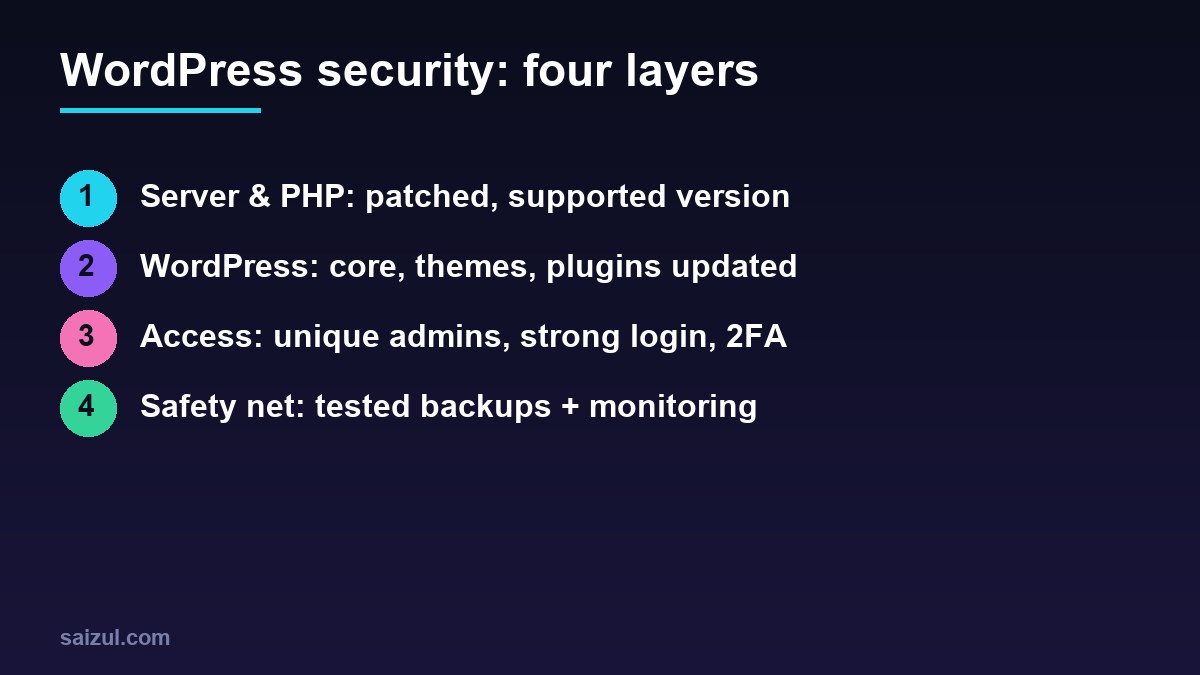
Layer 1: Server and PHP
- Run a supported PHP version. Check php.net/supported-versions. Versions that no longer get security fixes (7.x, 8.0, 8.1) should not serve websites.
- Apply PHP security releases quickly. PHP flaws are not fixed by WordPress updates; the server must be updated and PHP restarted. Always take a backup first.
- Use HTTPS everywhere with a valid certificate and redirect HTTP to HTTPS.
- Remove unused PHP versions and software from the server so there is less to attack.
- Keep the firewall tight: open only the ports you need, and restrict the hosting panel to your own IP where possible.
Layer 2: WordPress, themes and plugins
- Update core, themes and plugins regularly. Enable auto-updates for minor core releases and trusted plugins.
- Delete (not just deactivate) anything unused. Deactivated plugins can still be exploited.
- Install only from trusted sources: the WordPress.org directory or the vendor. Never use “nulled” premium plugins; they often carry malware.
- Choose actively maintained plugins with recent updates and a good support history.
- Disable the file editor by adding
define('DISALLOW_FILE_EDIT', true);to wp-config.php.
Layer 3: Logins and access
- Use unique, long passwords from a password manager, for WordPress, hosting, database and email.
- Turn on two-factor authentication for every administrator.
- Give each person their own account with the lowest role that works (Editor or Author instead of Administrator).
- Audit users regularly. Unknown administrators are a classic sign of compromise.
- Limit login attempts and block brute-force traffic with a firewall plugin or your server’s fail2ban.
Layer 4: Backups and monitoring
- Automate backups daily for active sites, stored off the server (cloud storage).
- Test a restore at least once. A backup you have never restored is a hope, not a plan.
- Run a malware and file-integrity scan (one security plugin is enough; two overlapping ones slow the site and conflict).
- Watch Google Search Console for Security Issues and unexpected pages in the index.
- Enable uptime monitoring so you hear about downtime before customers do.
If your site is hacked: a safe order
- Put the site in maintenance mode or restrict access; do not just delete files.
- Take a full backup of the infected state for analysis.
- Change all passwords (WordPress, hosting, database, FTP/SSH) and regenerate the WordPress security keys.
- Remove unknown admin users, unknown plugins and modified core files; reinstall core, themes and plugins from clean sources.
- Find and fix the entry point (usually an outdated plugin) or it will happen again.
- Request a review in Search Console if Google flagged the site.
| Priority | Do this first |
|---|---|
| This hour | Update everything, remove unused plugins, enable 2FA |
| This week | Off-server backups with a tested restore, user audit |
| This month | Review PHP version, firewall rules, monitoring |
Need help with this on your own site or business?
I build and secure WordPress sites, web apps and AI automations end to end, in Bangla and English. The process is a free discovery call, a written scope with a fixed quote, a focused first version, then testing, deployment and monitoring.
See the portfolio and the AI agent services, or tell me what you need.
FAQ
Is a security plugin enough?
No. A plugin helps, but updates, PHP version, strong access control and backups matter more.
How often should I update?
Check weekly; apply security updates immediately and test on a staging copy for major changes.
Why do I need to update PHP if WordPress is current?
PHP is the engine WordPress runs on. A flaw in PHP itself is only fixed by updating PHP on the server.
Sources

Md Saizul Amin
Digital Systems Strategist · AI Agent Developer · 9+ years in digital & ITMd Saizul Amin is a digital systems strategist and AI automation engineer from Dhaka, Bangladesh. With 9+ years across IT, web development and digital marketing, he writes practical guides on technology, business, education and online growth — and builds the same kinds of systems (AI agents, websites, SEO and ad campaigns) for clients in Bangladesh, the UK and the USA.
Specialist in
Credentials & experience
- 🎓B.Sc. in Computer Science & EngineeringBangladesh University of Business & Technology (BUBT), 2017–2021
- 🤖AI Automation Engineer · Web Developer · SEO SpecialistUnique Mark Limited, Birmingham UK — 2024 to present
- 🌱IT SpecialistGreen Fund Initiative Inc., USA — 2024 to present
- 🏥Junior IT Consultant — Ministry of Health (DGHS)Built the first national Shareable Health Record website; supported 6,000+ facilities
- 🧭Head of ITWEDO Bangladesh — led IT for 50+ staff, 2021–2023