In this article
You cannot improve a website you cannot measure. Google Analytics 4 (GA4) shows who visits, where they come from and what they do. This guide sets it up on WordPress in about 20 minutes.
From my own work: I run GA4 through Google Site Kit on my own sites, and the most common mistakes I fix for clients are a tag installed twice and no key events marked, so the data exists but answers nothing.
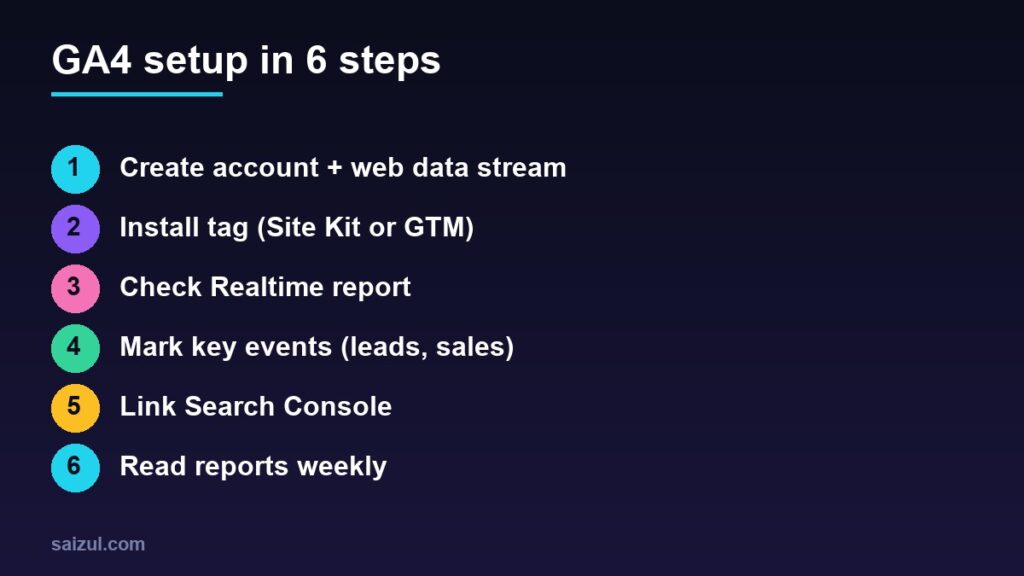
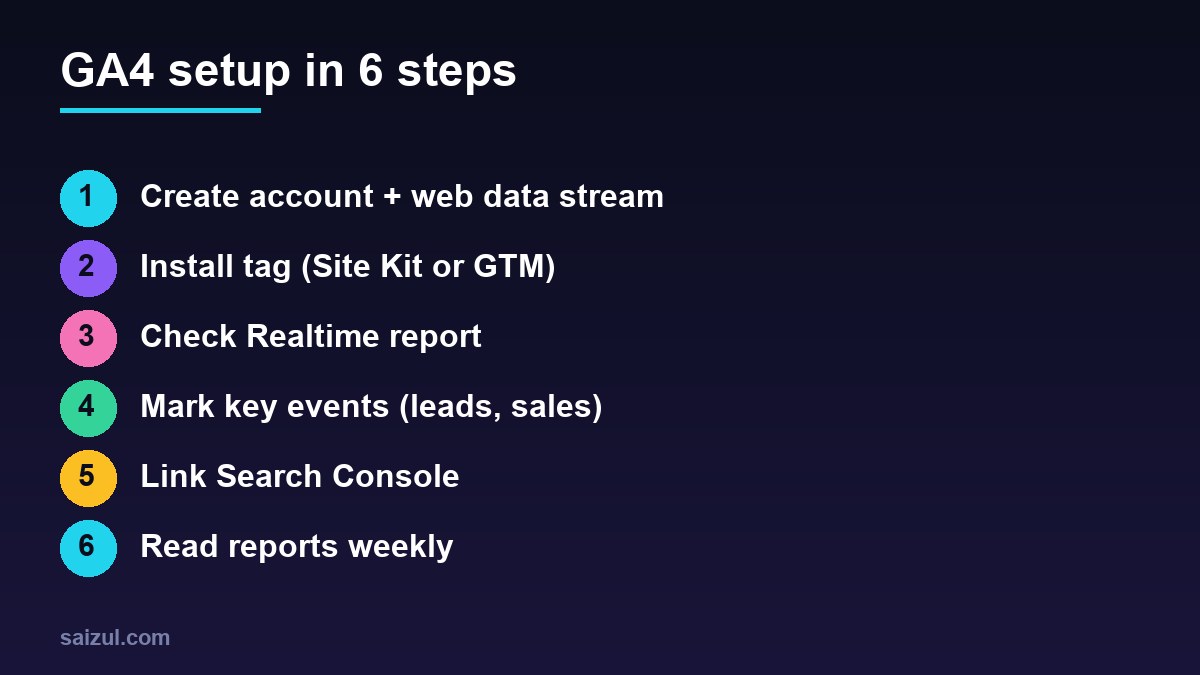
1. Create the GA4 property
- Go to analytics.google.com and create an account and a property (set your time zone and currency).
- Add a Web data stream with your site URL. Copy the Measurement ID (it starts with G-).
2. Install the tag on WordPress
| Method | Best for |
|---|---|
| Site Kit by Google | Beginners: connects Analytics, Search Console and AdSense in one plugin |
| Google Tag Manager | Sites needing many tags and custom events |
| Theme or header code | Simple sites, only if you are comfortable with code |
Use one method only. Two installs double-count visits.
3. Verify data is arriving
Open your site in another tab, then check Reports → Realtime. You should see yourself within a minute. If not, clear your cache, disable ad blockers and confirm the Measurement ID.
4. Mark key events (conversions)
Page views alone are vanity. In Admin → Events, mark the actions that matter as key events: form submissions, WhatsApp clicks, purchases or newsletter sign-ups. A thank-you page view or a button click event is the usual trigger.
5. Link Search Console
In Admin → Product links connect Search Console to see the search queries that bring visitors. Verify the site in Search Console first.
6. Respect privacy
Mention analytics in your privacy policy and use a consent banner where the law of your audience requires it (for example the UK and EU).
The reports to read each week
- Acquisition: which channels (search, social, direct) bring traffic.
- Pages and screens: your top content.
- Engagement & key events: what visitors do.
- Search Console reports: queries and pages in search.
Unusual spikes from one country or source can be bot traffic; check them, especially if you earn from ads. For SEO next steps see the on-page SEO checklist.
Need help with this on your own site or business?
I build and secure WordPress sites, web apps and AI automations end to end, in Bangla and English. The process is a free discovery call, a written scope with a fixed quote, a focused first version, then testing, deployment and monitoring.
See the portfolio and the AI agent services, or tell me what you need.
FAQ
Is GA4 free?
Yes, the standard version is free.
Why do my numbers differ from other tools?
GA4 counts users and sessions differently, and consent settings and blockers hide some visitors.
How long until I see data?
Realtime works within minutes; standard reports take up to a day.
Sources

Md Saizul Amin
Digital Systems Strategist · AI Agent Developer · 9+ years in digital & ITMd Saizul Amin is a digital systems strategist and AI automation engineer from Dhaka, Bangladesh. With 9+ years across IT, web development and digital marketing, he writes practical guides on technology, business, education and online growth — and builds the same kinds of systems (AI agents, websites, SEO and ad campaigns) for clients in Bangladesh, the UK and the USA.
Specialist in
Credentials & experience
- 🎓B.Sc. in Computer Science & EngineeringBangladesh University of Business & Technology (BUBT), 2017–2021
- 🤖AI Automation Engineer · Web Developer · SEO SpecialistUnique Mark Limited, Birmingham UK — 2024 to present
- 🌱IT SpecialistGreen Fund Initiative Inc., USA — 2024 to present
- 🏥Junior IT Consultant — Ministry of Health (DGHS)Built the first national Shareable Health Record website; supported 6,000+ facilities
- 🧭Head of ITWEDO Bangladesh — led IT for 50+ staff, 2021–2023